 Cian
Catch the wrong variant before it ships.
Give the packer a check against the order, not just a list to tick. Match each barcode or SKU to the expected line and quantity, then record what was verified.
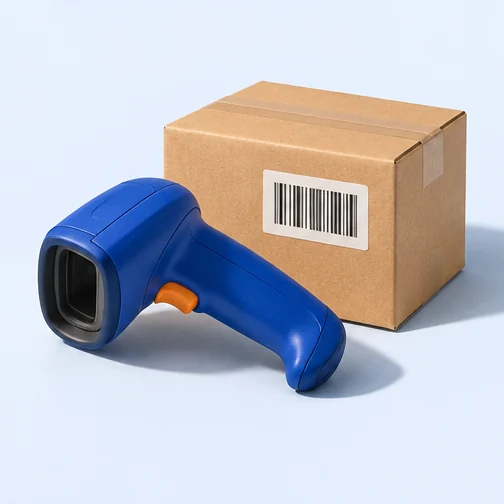
Right connector, wrong cable length
An order needs two 1 m cables. The first scan matches. The second cable has the same connector but is 2 m long. Its SKU triggers a warning and the verified count stays at one until the packer scans the correct length.
- Expected
- 2 × 1 m cables
- After 2 m scan
- 1 of 2 verified
- After correction
- 2 of 2 verified
A third 1 m cable is also an exception. Matching the product is not enough if the box has the wrong quantity.
Using scan & pack in your store.
Open the order’s pack check
Read the lines and expected quantities for this order. Keep different orders separate at the bench so a correct scan goes against the correct box.
Resolve a mismatch
Scan or enter the code as each item goes in. If the item is unexpected or the line is already complete, check the physical contents before continuing.
Finish the verification
Check any uncoded line by eye using the manual option. Save the verification with the pick record once the physical box matches the order.
Where this fits.
Back to the full toolkit

Put your store to work in Cian.
Connect your BigCommerce store. Try the platform free for 14 days.